
RapidForm
Create custom forms instantly. Works offline. Export professional PDFs. Perfect for inspections, surveys, and field work. Your data stays private on your device.
From Template to PDF in Minutes.
Experience the complete RapidForm workflow - from creating your first template to sharing professional PDFs. Every step designed for simplicity and efficiency.
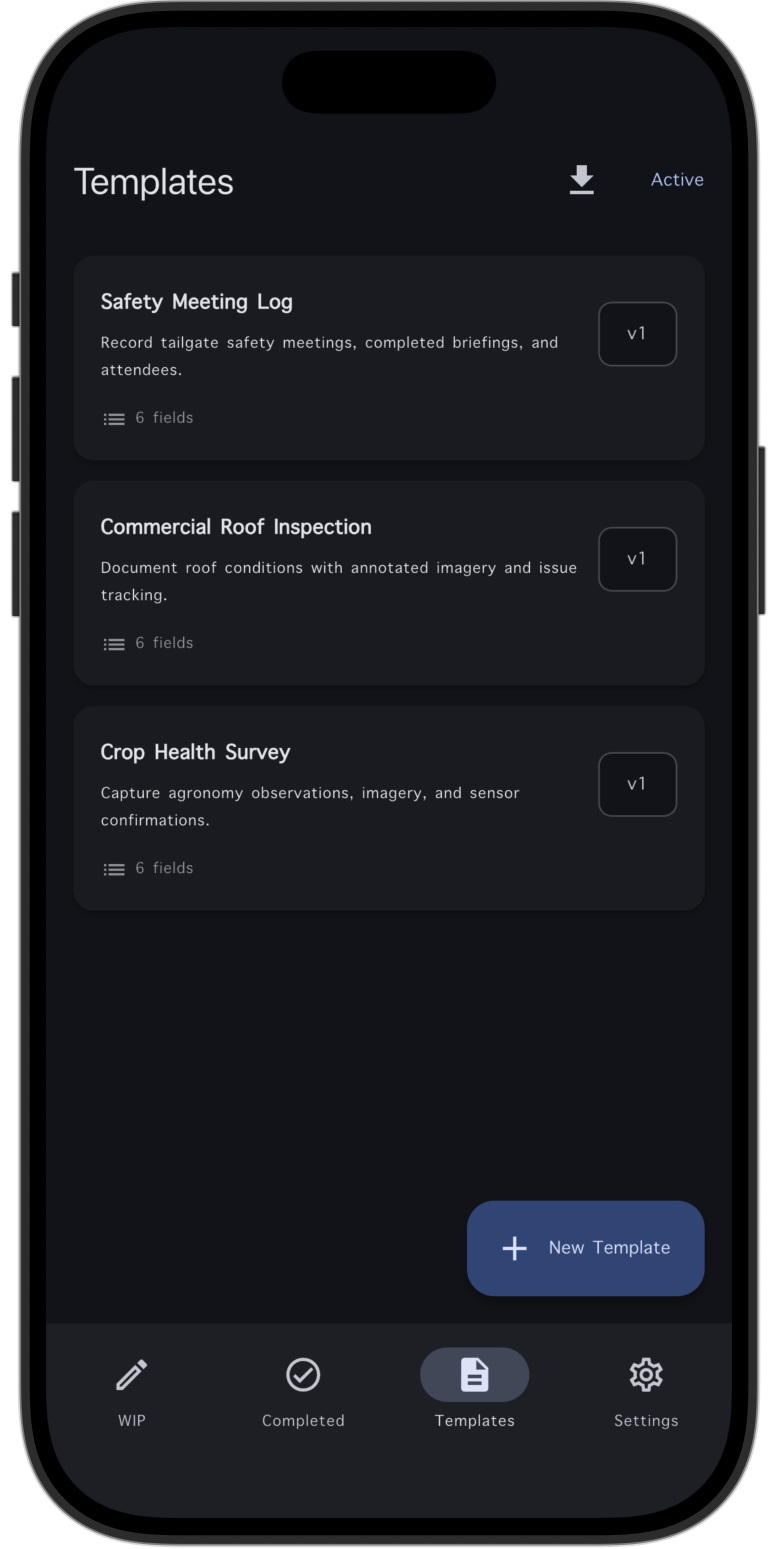
Browse Your Form Library
Begin your journey by exploring your collection of form templates. Whether you're starting fresh or choosing from existing templates, RapidForm makes it easy to find exactly what you need. All your forms are organized and accessible in one place.
- Browse existing templates
- Create new templates instantly
- Organize forms by category
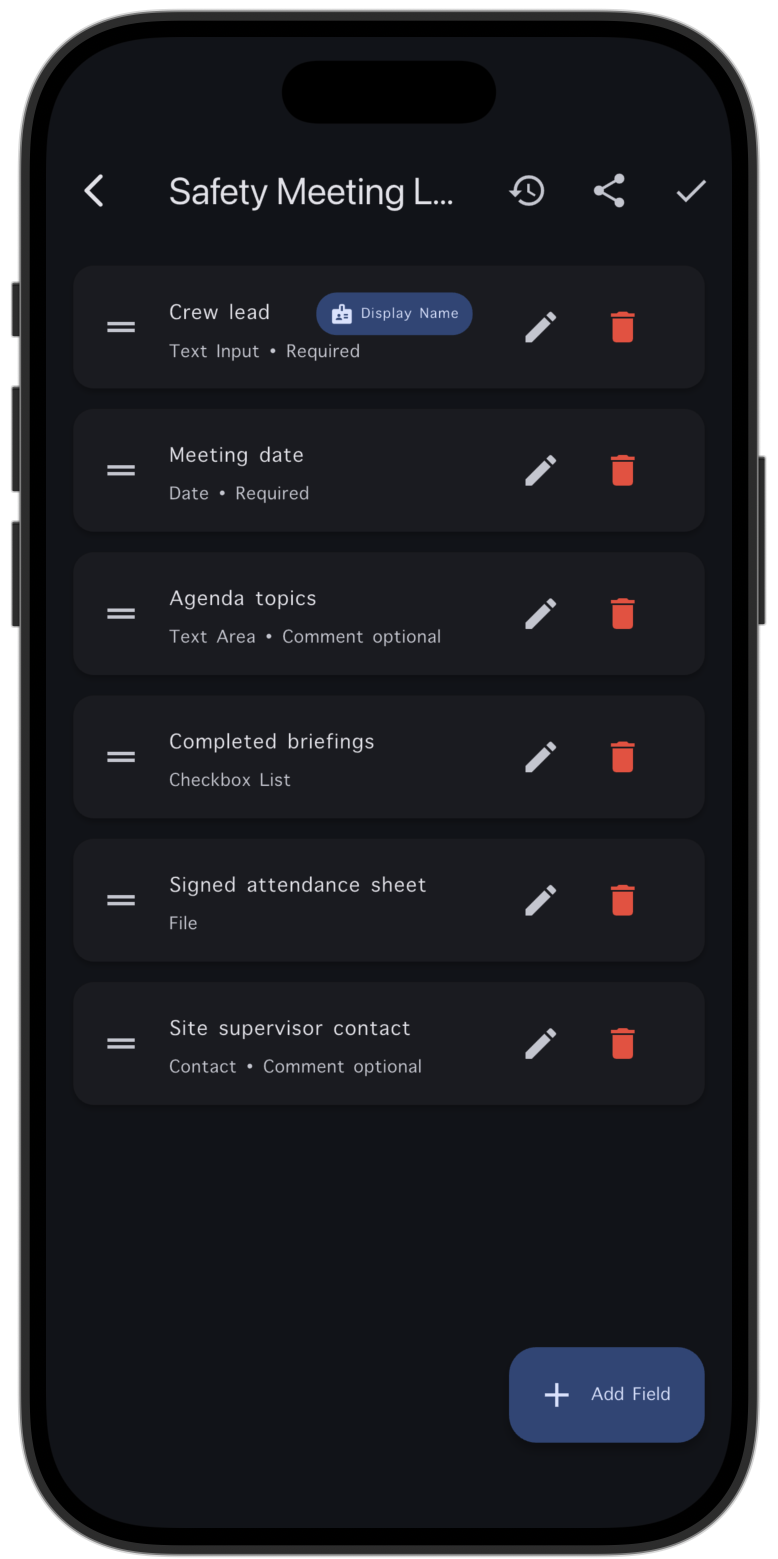
Configure Template Fields
Set up your template with the exact fields you need. Configure each field's properties, set validation rules, and make fields required or optional. Build forms that capture exactly the information you need, exactly how you need it.
- Customize field properties
- Set validation rules
- Configure required fields
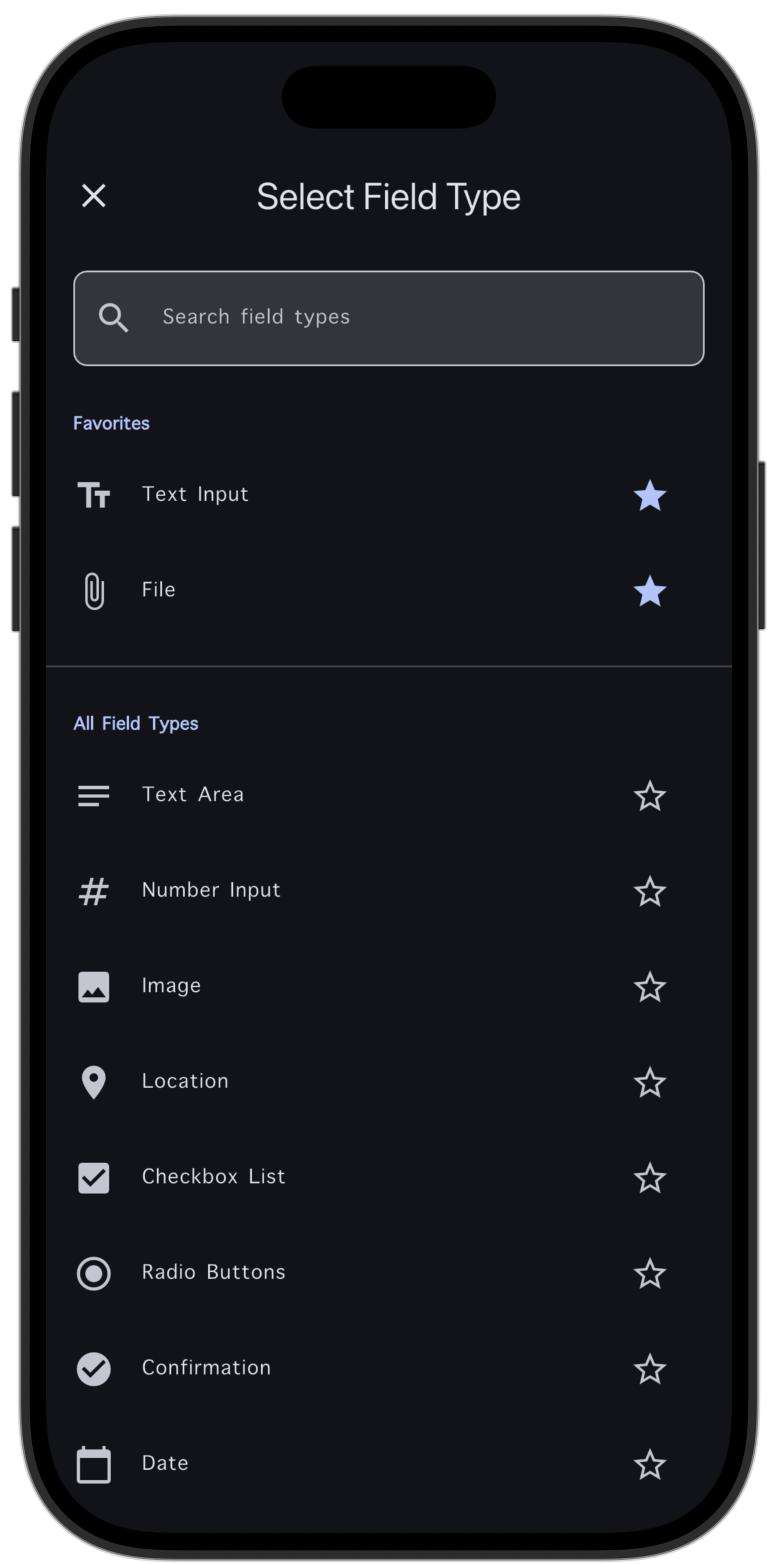
Select Field Types
Choose from a wide variety of field types to build the perfect form. Text, numbers, dates, signatures, photos, GPS location, and more - all at your fingertips. Each field type is designed to capture specific data efficiently.
- Multiple field types available
- Rich media support
- GPS and signature capture
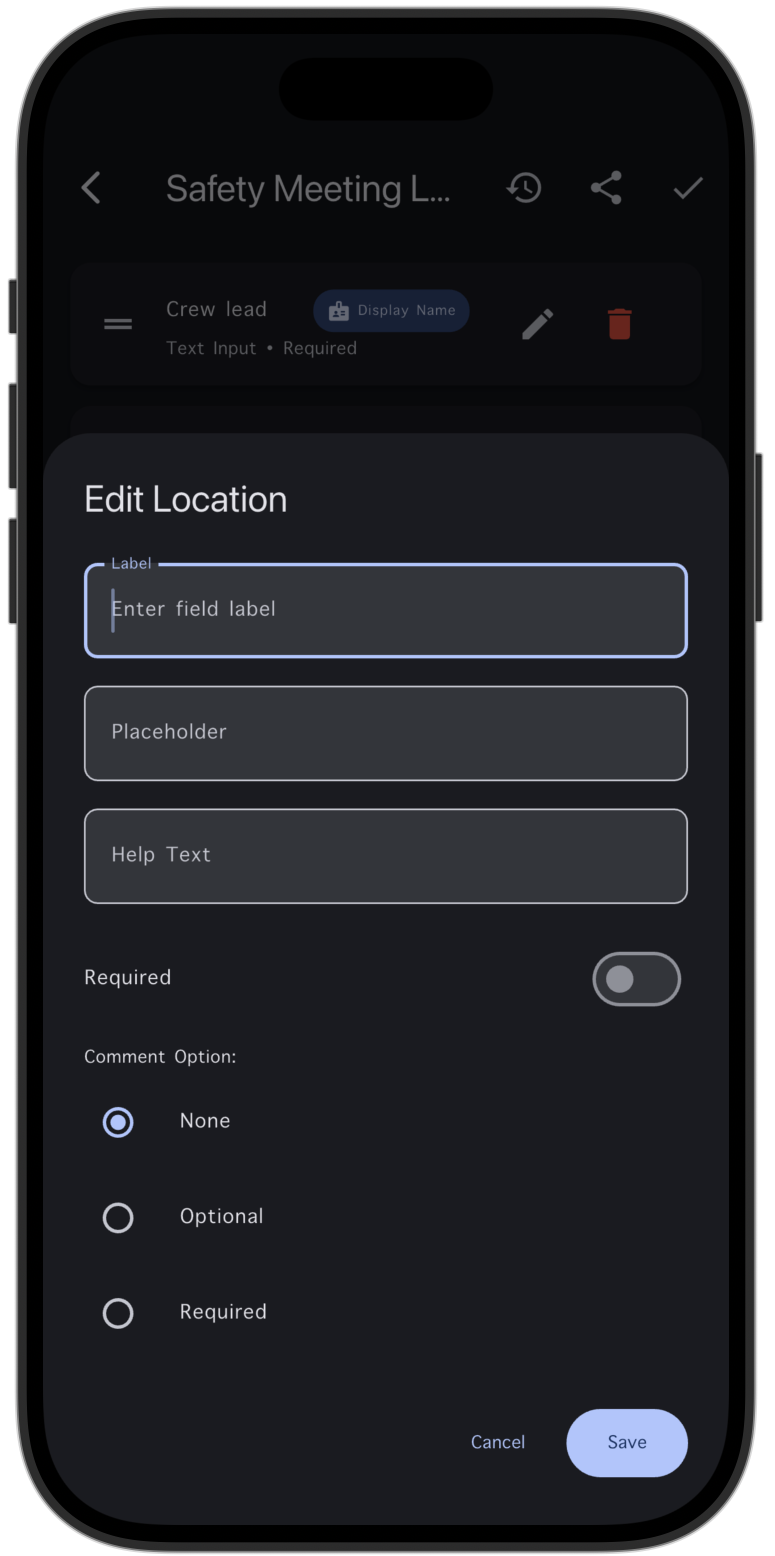
Add Fields to Template
Add fields to your template with a simple tap. Drag and drop, rearrange, and customize your form layout. Watch your template come together as you add each field, building a professional form that matches your workflow.
- Easy field addition
- Drag and drop organization
- Real-time preview
Fill Out Forms
Open your template and start collecting data. Fill out forms with ease, whether you're in the office or in the field. Everything saves automatically as you work, so you never lose your progress - even when working offline.
- Intuitive form filling
- Auto-save functionality
- Works completely offline
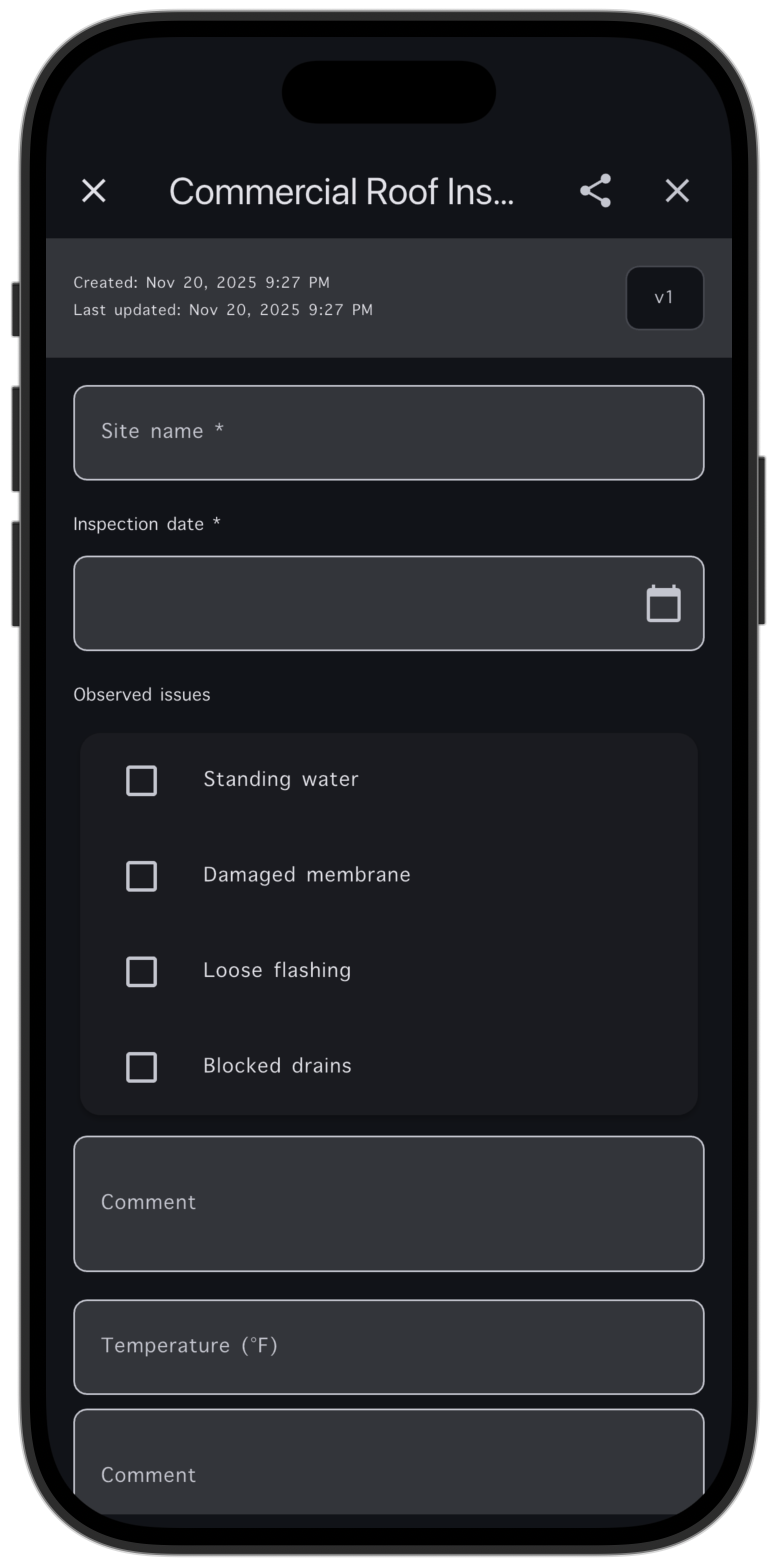
Completed Forms
Review your completed forms before finalizing. Check all entries, verify data accuracy, and make any necessary edits. See all your completed forms in one organized view, making it easy to track your work and manage your data.
- Review before finalizing
- Edit completed forms
- Organized form library
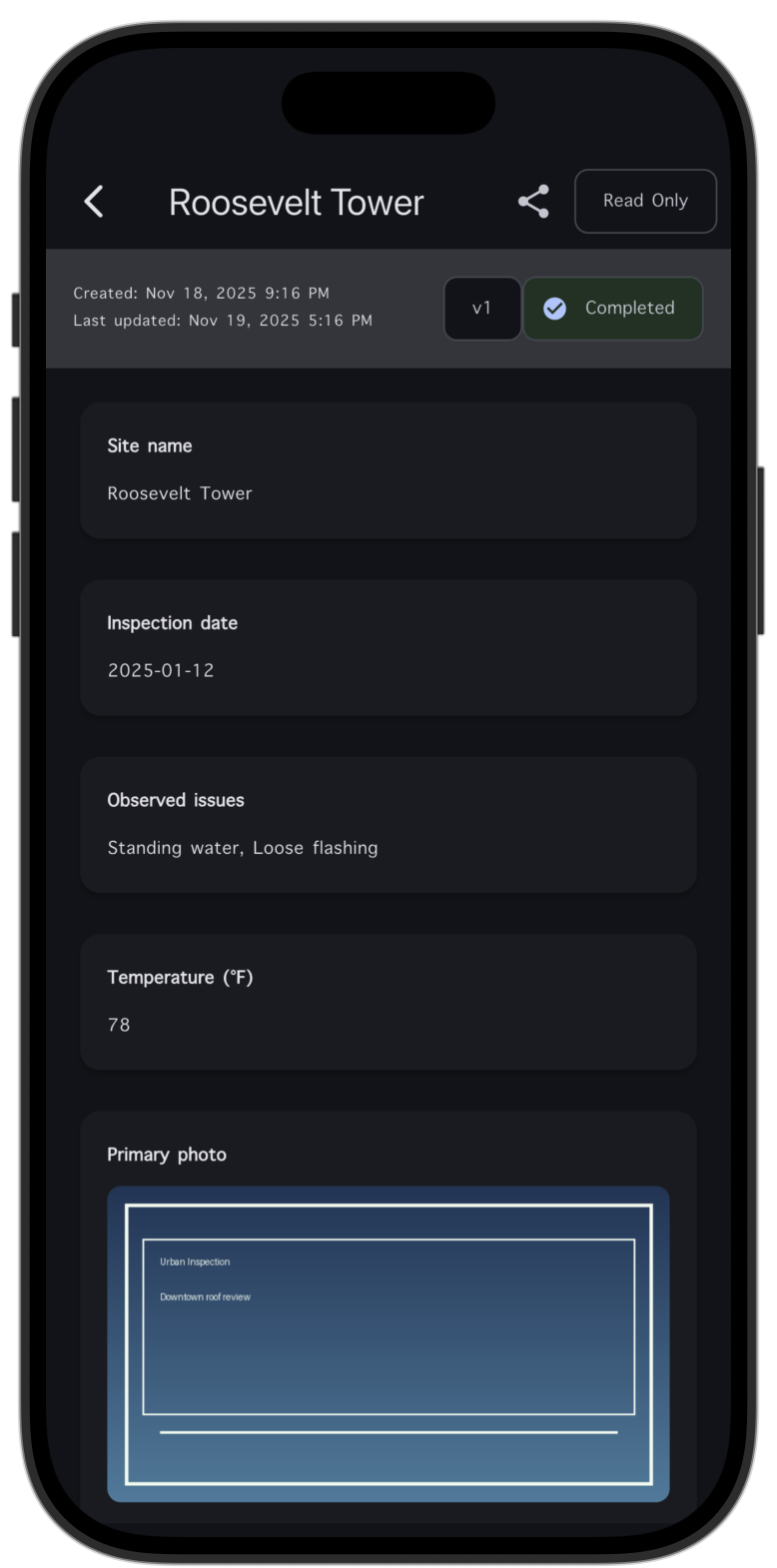
Export to PDF
Export your completed forms as beautiful, professional PDFs with a single tap. Share instantly via email, messages, AirDrop, or any app. Your forms are transformed into polished documents ready for clients, colleagues, or records.
- Professional PDF export
- Instant sharing options
- Multiple export formats
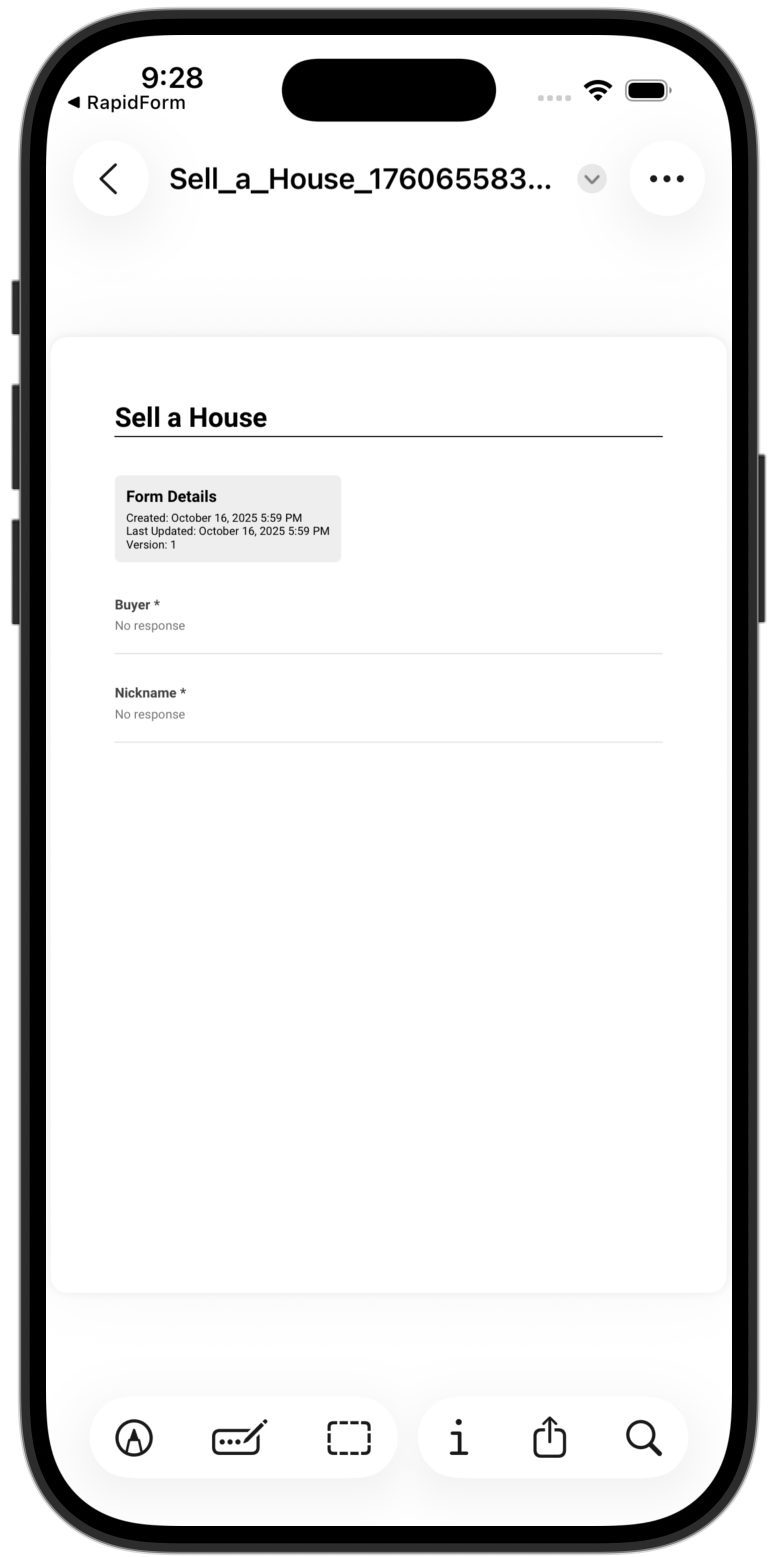
Your Forms Library
Keep all your forms organized in one place. View templates, completed forms, and exports all from your main library. Quickly access what you need, when you need it, with powerful organization and search capabilities.
- Centralized form management
- Quick access to all forms
- Search and filter capabilities
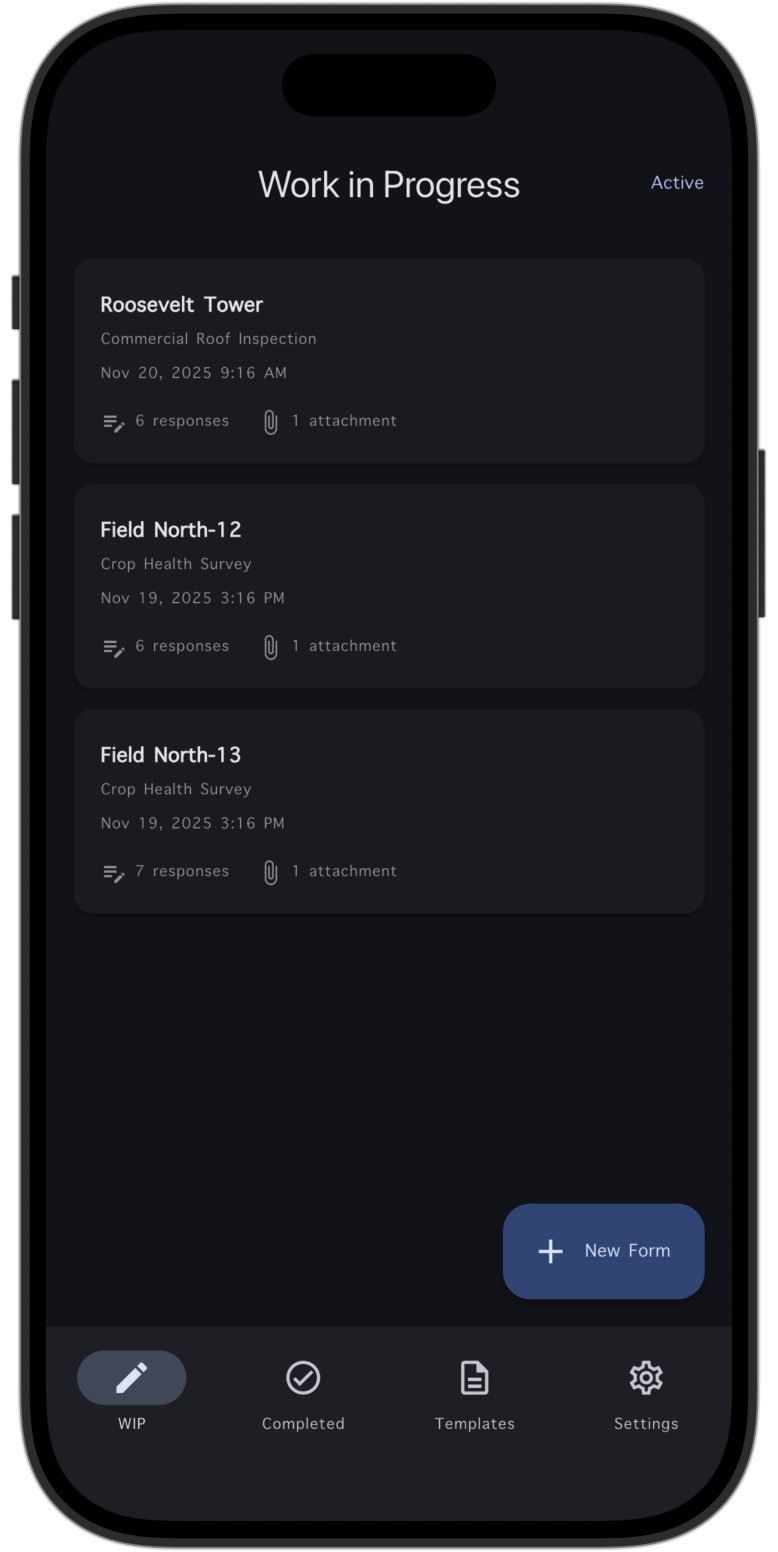
Perfect For Every Industry
From field inspections to event management, RapidForm adapts to your workflow and industry needs.
Field Technicians
Inspections, maintenance logs, and service reports
Contractors
Site surveys, safety checklists, and project tracking
Event Coordinators
Registration, attendance, and feedback collection
Healthcare
Patient intake, assessments, and documentation
Educators
Surveys, assessments, and research data collection
Small Business
Customer feedback, orders, and service requests
Property Managers
Inspections, maintenance requests, and walkthroughs
Survey Teams
Market research, polls, and data gathering
Start Building Forms Today
Download RapidForm and create your first form in under a minute. No signup, no subscriptions, no hassle.
Legal Information
Ready to Simplify Your Data Collection?
Join professionals worldwide who are transforming their workflows with RapidForm's powerful, privacy-focused form builder.
Get Started Today